
Come in
This is the entrance hall, under its dome. A gallery opens off it for every year of their age.
A room for each age
Age 3 is straight ahead, its name on the banners either side of the archway. Walk from room to room and you can see how they changed.
Mila, age 3
Big Sun Says Hello
Crayon on paper · 12 September 2022
Every picture has a label like this one, and can keep a recording of them telling you what it is.
Now walk round it yourselfFor the drawings on the fridge, and the ones in the drawer
A museum for the art they made when they were small.
Photograph your child’s drawings and paintings, and Tiny Masters hangs them in a sunlit museum you can walk through: a gallery for each year of their age, a label for every piece, and their own voice telling you what it is.
Free to try. Nothing to install, no account. On a computer, tablet or phone.

Now hang one of theirs
Choose a photo of something they made, and see it on the museum’s wall.
This browser can’t show that file. A photo saved as JPEG or PNG will work.
The picture stays on your own device. It is not uploaded, and this page forgets it when you leave.
To keep it, and hang the rest beside it: start your own museum.
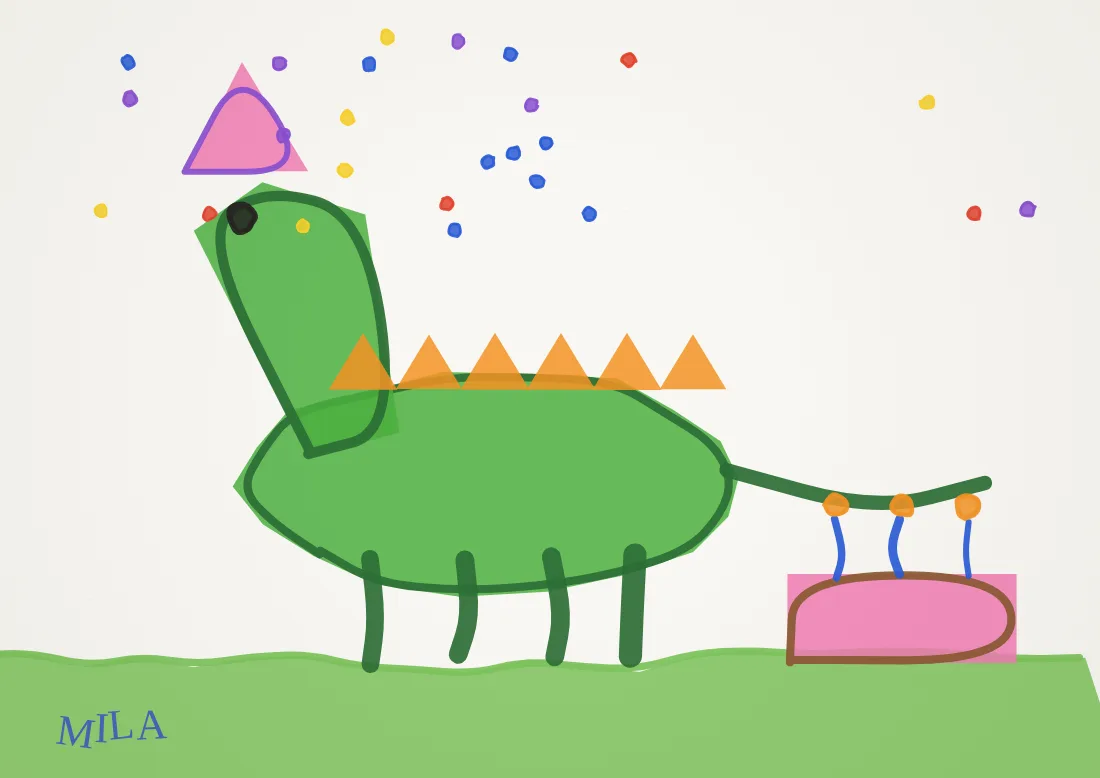
Mila, age 5
Dinosaur Birthday Party
Marker on paper
How it works
-
Add their pictures
Photos from your phone, or a whole folder at once. Give each a title and the day it was made (a rough guess is fine), and turn or crop any that need it.
-
They hang themselves
Each picture goes up in the gallery for the age they were when they made it, in a frame, with a museum label beside it. Brothers and sisters can share one museum.
-
Walk round together
Take the tour, or wander. Stop at a picture to see it up close, and record them telling you its story. Their voice stays with the picture.
Inside the museum
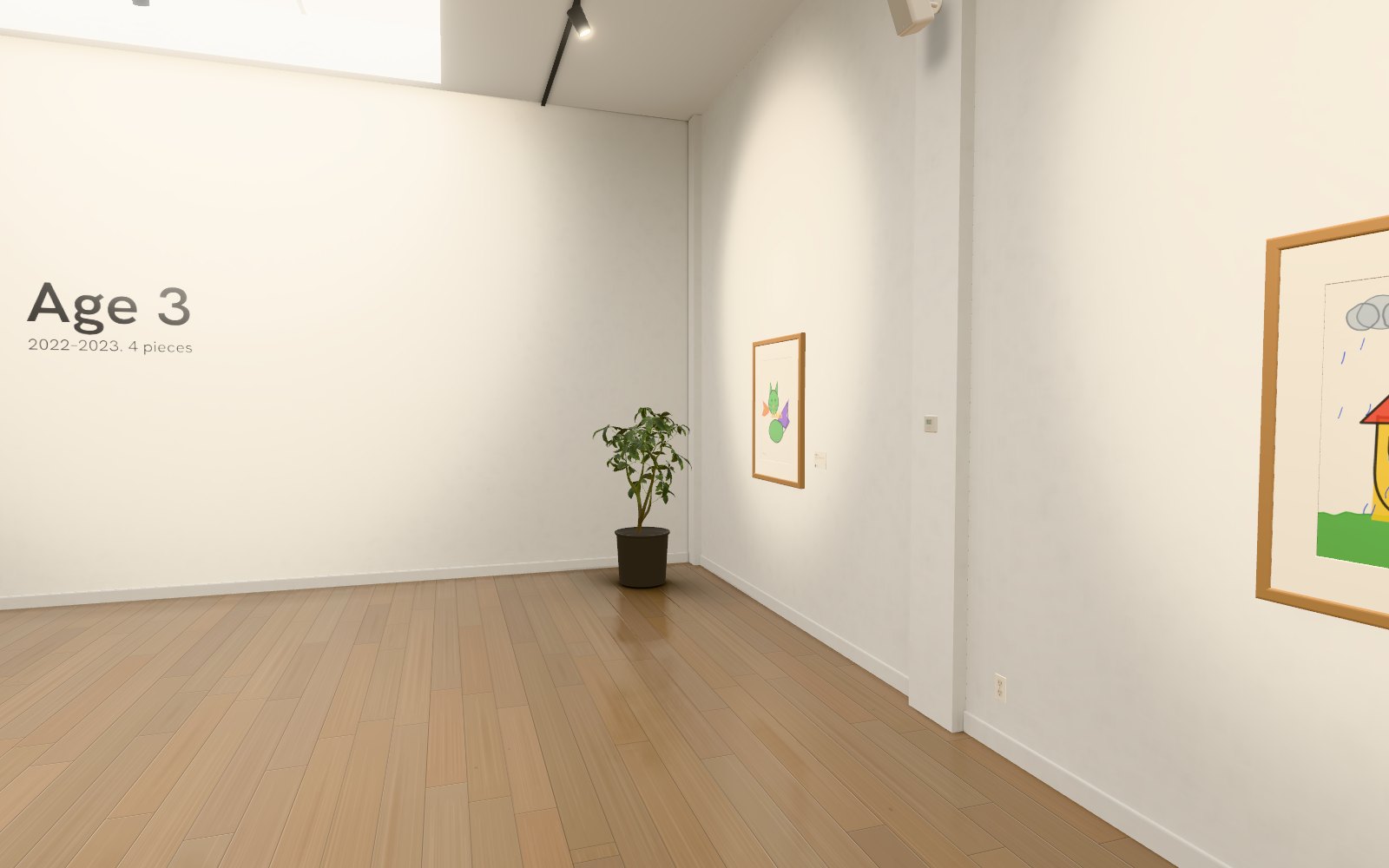
A gallery for each year
Age 3, age 4, age 5: every year has a room of its own, with its name on a banner either side of its archway. When a room is full, the museum builds another beyond it.
Walk from one end to the other and you can see how they changed.
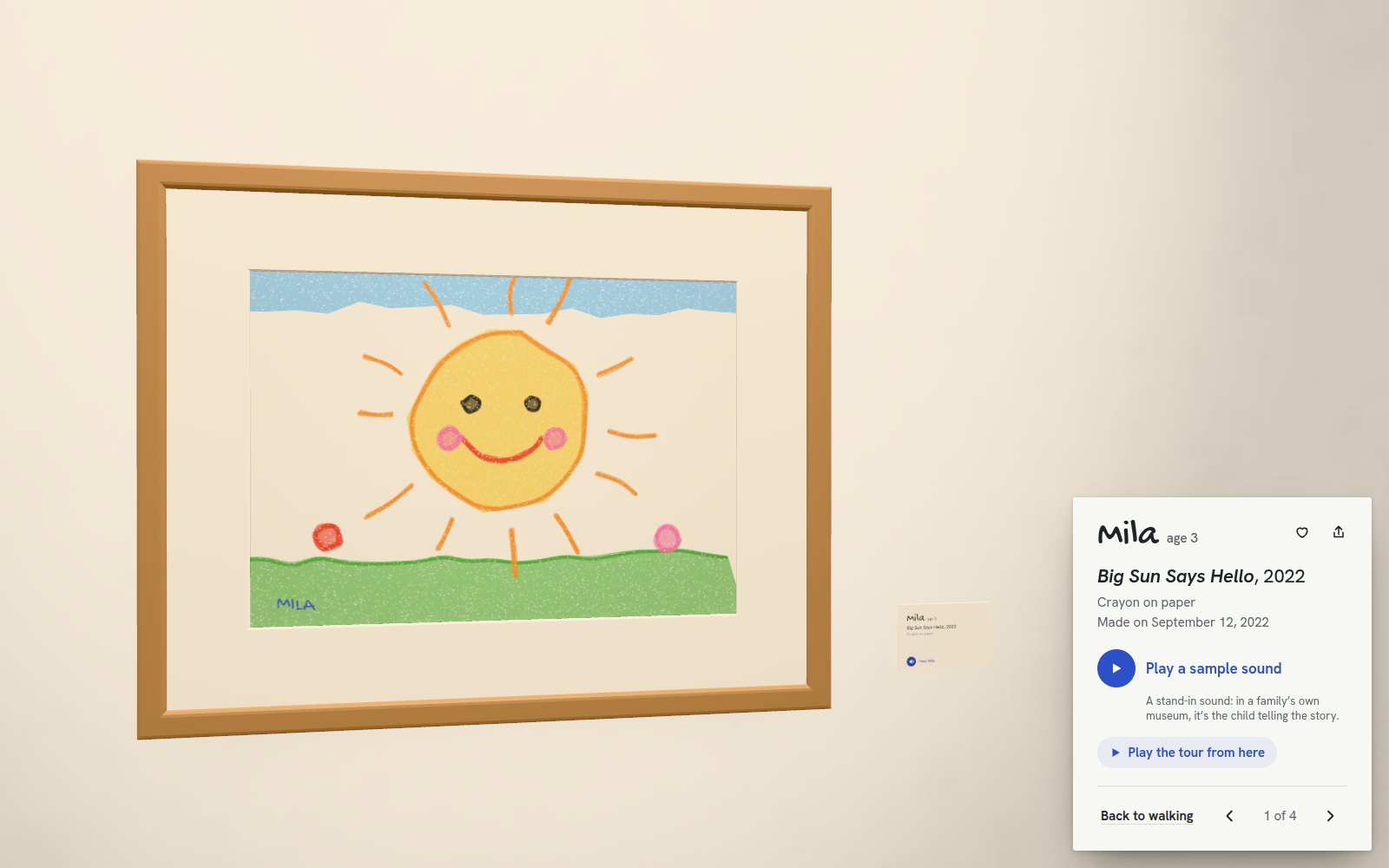
A label for every piece, and their voice
Step up to a picture and its label opens: who made it and how old they were, its title, what it is made with, and the day.
Press Record and let them tell you what it is. From then on the label plays it back, in the voice they had that year.
- A tour. The museum walks you past every picture, and plays each recording on the way.
- A map. A floor plan in the corner shows where you are, and takes you to any room.
- A guest book. It lies open by the doors, for visitors to sign.
- Music. Quiet, and a different piece in every room. One button turns it off.
- Benches. Sit down in front of a favourite for as long as you like.
- And a rubber duck hides in every room.
Yours, and kept that way
Their pictures and recordings stay on your own device, in the browser you made the museum in. Nothing is uploaded, so nobody else can see them, and that includes us. No account, no ads, no tracking.
It also means your device holds the only copy. Now and then, open Settings and choose Download the gallery: one file with every picture, recording and label in it. That file brings the whole museum back on a new phone or another computer.
- Nothing to install: it runs in the browser
- Nothing is uploaded
- One download keeps everything
- No account, no ads, no tracking
Been given a museum?
A museum travels as one file, with a name that ends in .zip. If someone in the family has sent you theirs, it takes three steps to walk round it.
- Save the file somewhere you can find it again.
- Open the museum. The first thing you see is the sample.
- Under its buttons, choose Have a museum file already? Restore it, and pick the file.
The museum opens as it was made, and is kept in your browser from then on.
Open the museumWant to pass yours on to grandparents? In Settings, Download the gallery gives you that file to send.